

Monitors and PCs can potentially offer a number of different video ports. Below are some of the most common ports and standards and why you might choose to use them
VGA (Video Graphics Array)

Introduced back in 1987 and now largely considered a legacy port, you will still often find VGA ports on older computer monitors.
Although VGA is an analog standard and image quality is likely to suffer above 1920 x 1080 (1080p) it is still widely used due to the amount of devices – PCs, monitors and projectors that support it and the cost of upgrading.
If your devices offer and support other types of connector like HDMI it is recommended you use them instead due to the higher resolutions offered.
DVI (Digital Video Interface)
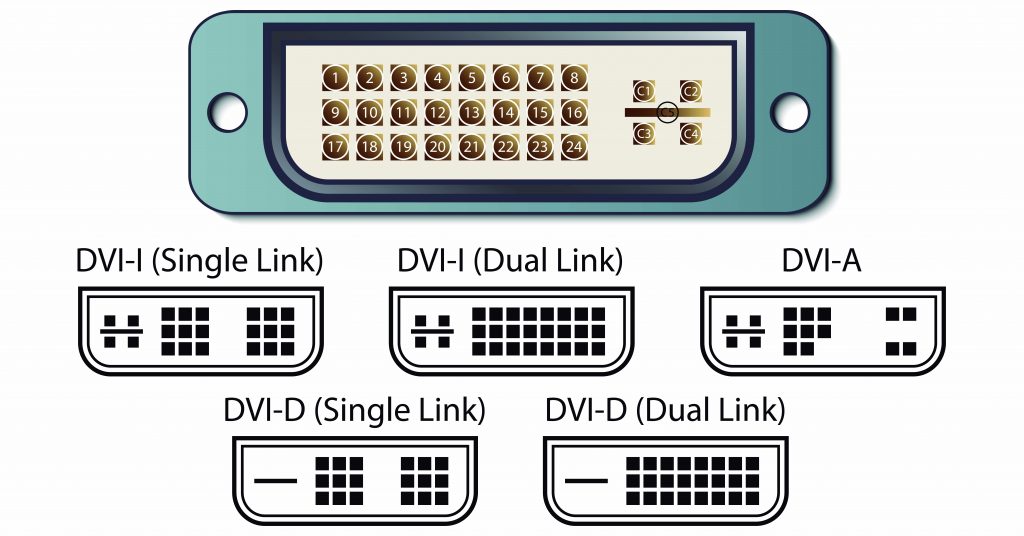
DVI supports the transmission of digital video over digital or analog connections. It converts the digital signal when an analog cable is used and the standard is compatible with VGA.
There are 3 types of DVI cables available-
DVI-A- Transmits analog signals, despite the conversion to analog video involved it will still produce a better quality image than VGA.
DVI-D – Transmits digital signals. This is available in single-link or dual-link form, the dual-link offering a faster data transfer rate.
DVI-I – Supports both analog and digital transmission. Due to its compatibility with DVI-D it comes in both single and dual-link form.
HDMI (High-Definition Multimedia Interface)
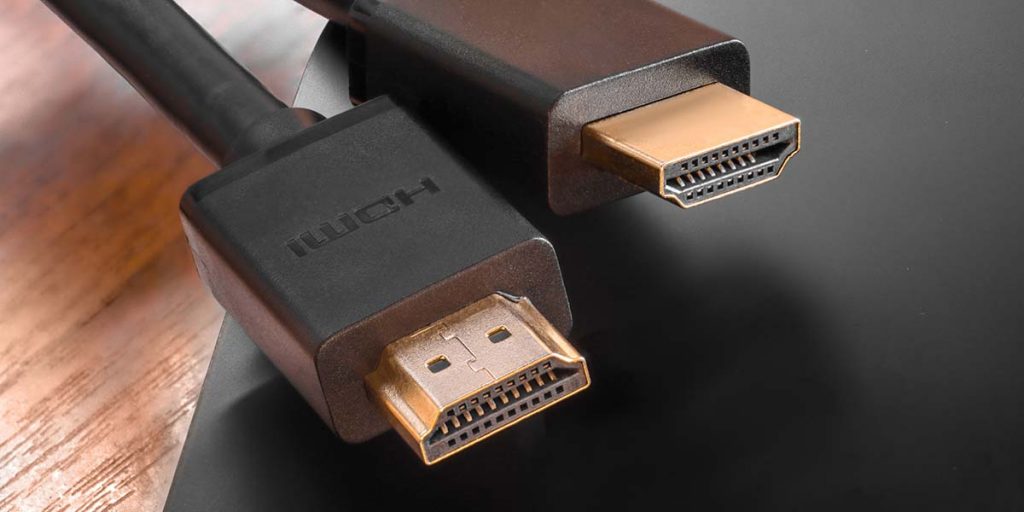
A widely adopted standard used to transmit high quality video and audio. As well as being common on modern computer monitors it is also frequently used on other devices such as smart TVs.
As video formats have progressed over the years so has HDMI with new standards being released. HDMI 1.0 supported a maximum of 1080 at 60Hz, today HDMI 2.1 supports 8k video at a refresh rate of 120Hz.
USB-C
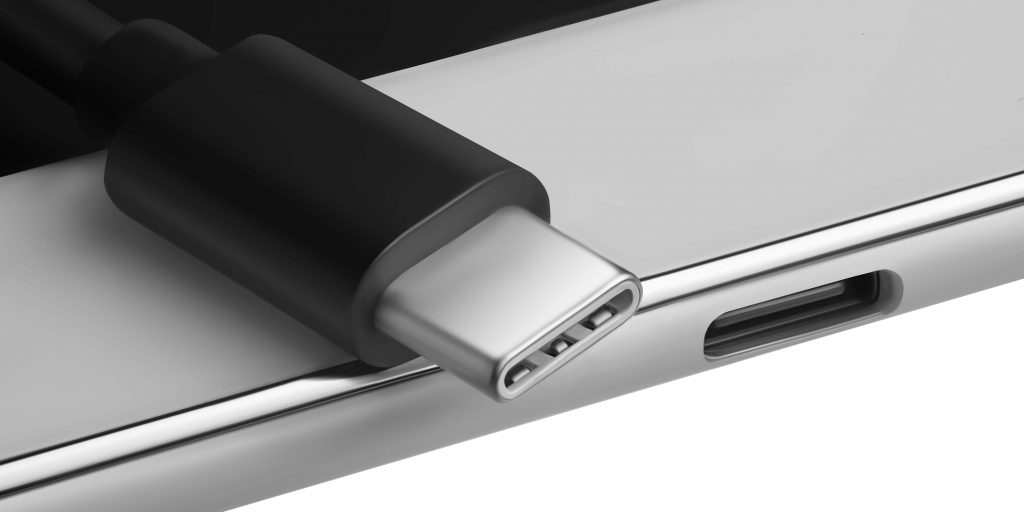
There are an increasing number of USB-C monitors becoming available. The fact that the port is commonplace on modern laptops, smart phones and tablets makes a USB-C monitor a versatile choice. This versatility needn’t come at the expense of video quality with USB-C able to deliver up to 4K at 60Hz.
Whilst not universally supported (please consult your devices documentation and power requirements) it is also possible to charge devices via a USB monitor. The connected laptop provides video signal whilst the monitor provides the laptop or other device with power.
Displayport
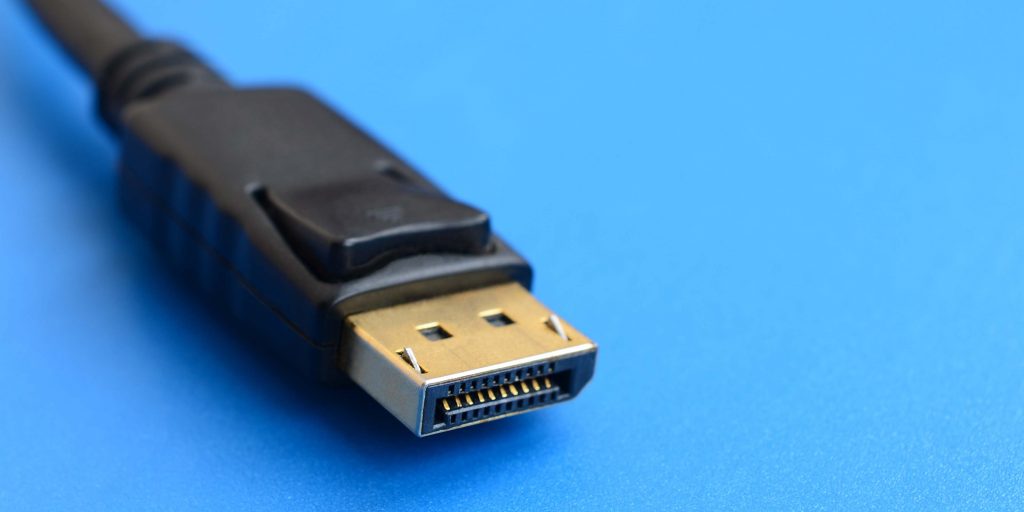
Often seen on gaming monitors DisplayPort is capable of transferring high resolution video and multi channel audio. One notable advantage DisplayPort has over competing standards such as HDMI is the ability of one DisplayPort connection to provide video to multiple monitors.
Like HDMI new standards have been released over the years. Monitors supporting DisplayPort 2.0 are expected to become widely available in 2021. The newest standard will offer support for 16k video and support for a dual monitor setup running 8K each at 120Hz.
Conclusion
Your type of monitor will depend largely on your needs and budget. If you looking to connect an old projector or need a monitor for a CCTV system VGA may be the best choice. A USB-C can potentially to be compatible with a number of different devices. HDMI and Displayport can offer the high resolution video and high definition audio needed for gaming and home cinema setups but to take advantage of their newest standards you need hardware that support them.
Posted by Jamie Moore (Tekeurope)



