
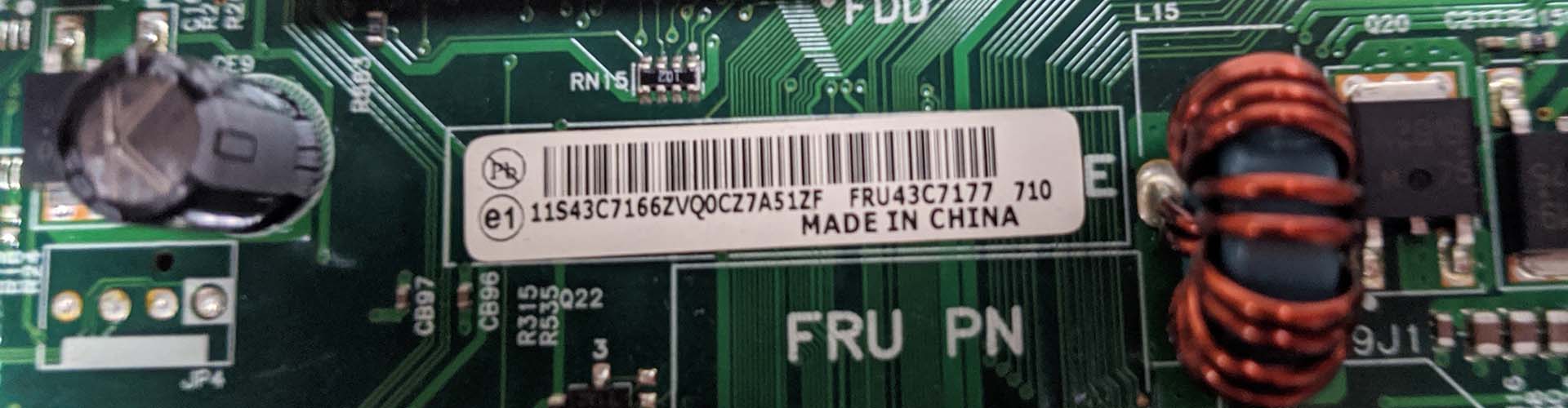
Whilst many parts can be replaced with a compatible substitute one of the easiest ways to find the replacement part you need is by locating the manufacturers part number on the item itself. Not every item will have these but a large number will, it is just a case of identifying the correct number.
Lenovo
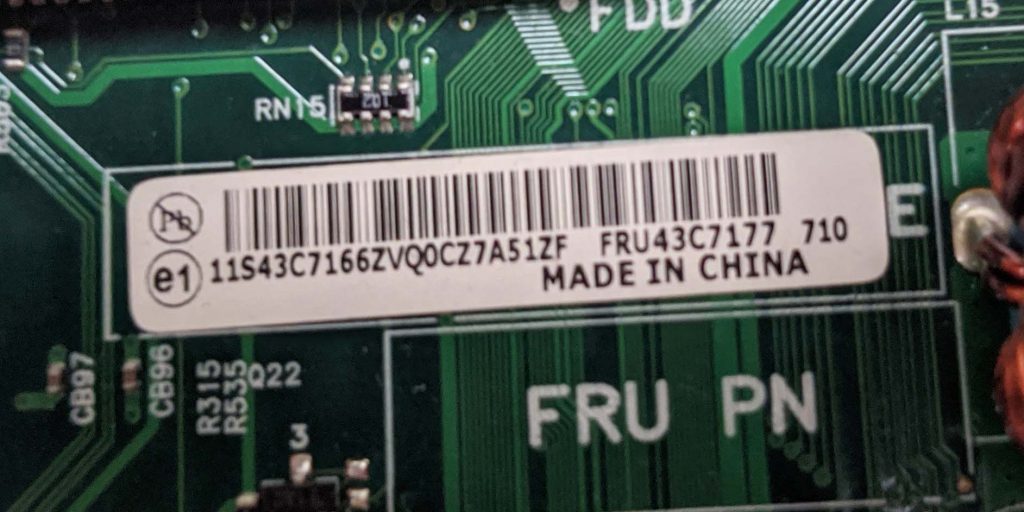
Lenovo labels their replacement part numbers with a CRU/FRU number. These are normally 7 digits long but can be as long as 10. You will also sometimes see the assembly (ASM) number and it may be possible to source parts using this but it is less commonly used, Lenovo do not sell parts using this number.
Examples:
93P7933 – 2 numbers, a letter followed by a further 4 numbers.
01EN020 – 2 numbers, 2 letters followed by a further 3 numbers.
5D10G18222 – A slightly less commonly seen 10 digit FRU.
HP
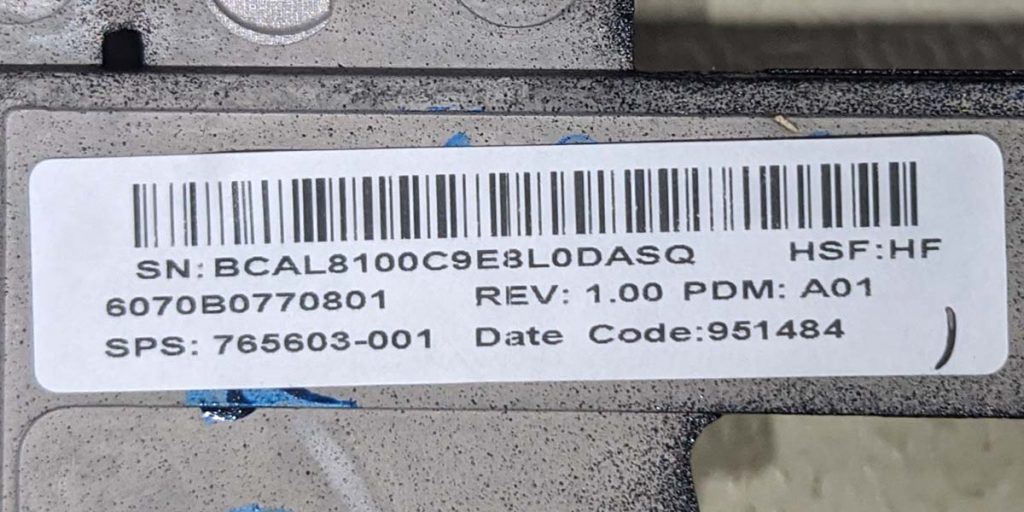
HP parts can be identified using an SPS or spares number. This normally takes the form of 6 digits, followed by a dash, followed by a further 3 digits.
Examples:
774152-001
924117-031
The last 3 numbers can often denote variations of a part such as keyboard layouts. The ‘031’ in the last example means it is a UK layout keyboard, 924117-041 would be the German keyboard layout version of the same part and 924117-051 the French.
Dell
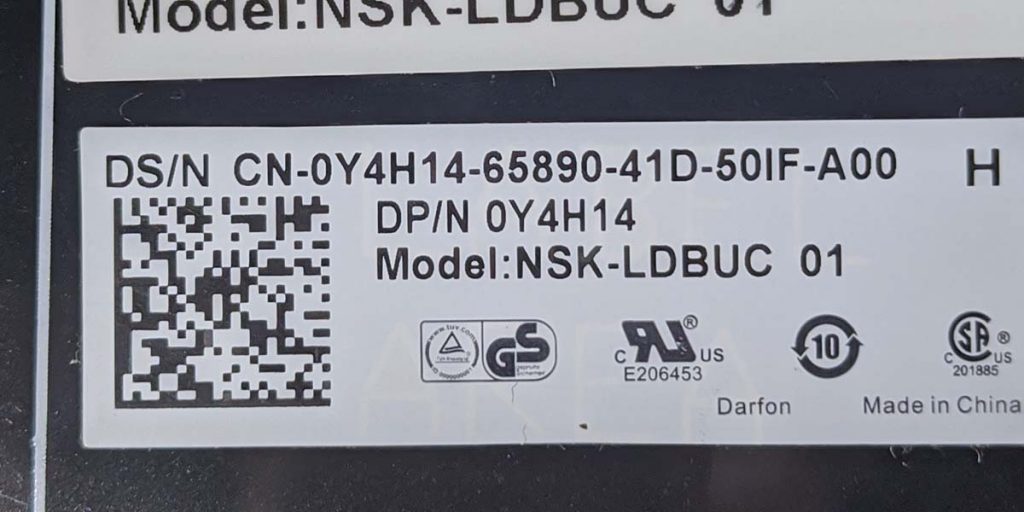
The Dell part number is contained within a longer PPID number which also contains information about the country of origin and the date of manufacture. These numbers begin with 2 digits (the country of manufacture) followed by a dash, then 6 digits. The first number in these 6 digits will be a zero and is just a filler number, the 5 digits that follow are the Dell part number of the item.
Hard drive OEM part numbers
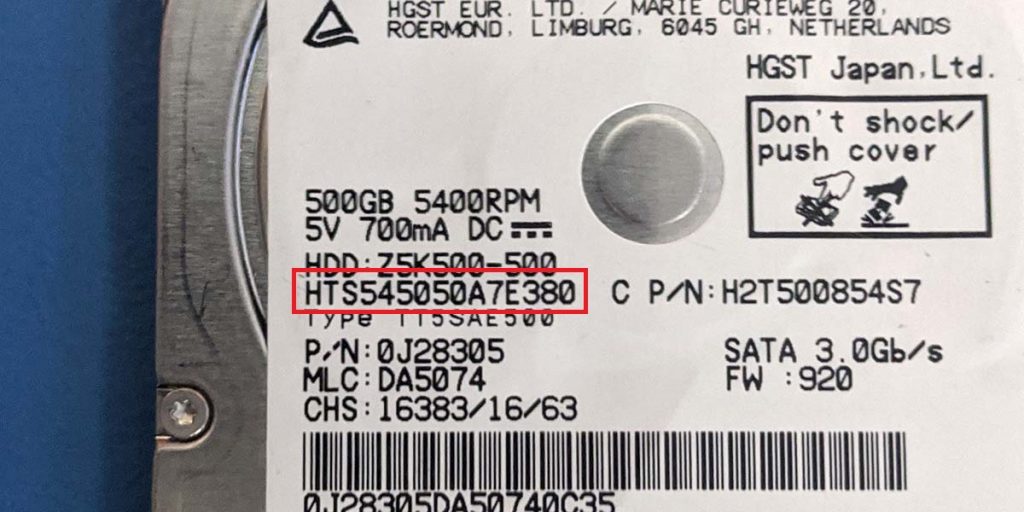
If you are looking to replace a hard drive with the same model then the drive manufacturers’ part number will help you find the drive you need. The part number you need starts with certain letters depending on the brand.
Hitachi – Starts with HT
Seagate – Starts with ST
Western Digital – Starts with WD



