
With the summer already under way with highs of over 30 degrees in the UK now may be the time to give your desktop some TLC. The reason being is that some people will notice their performance get worse during this time, due to their PC overheating and working less efficiently. The article below goes through the ways you can help manage your PC this summer and help you prevent it overheating.
Is your Desktop dusty?
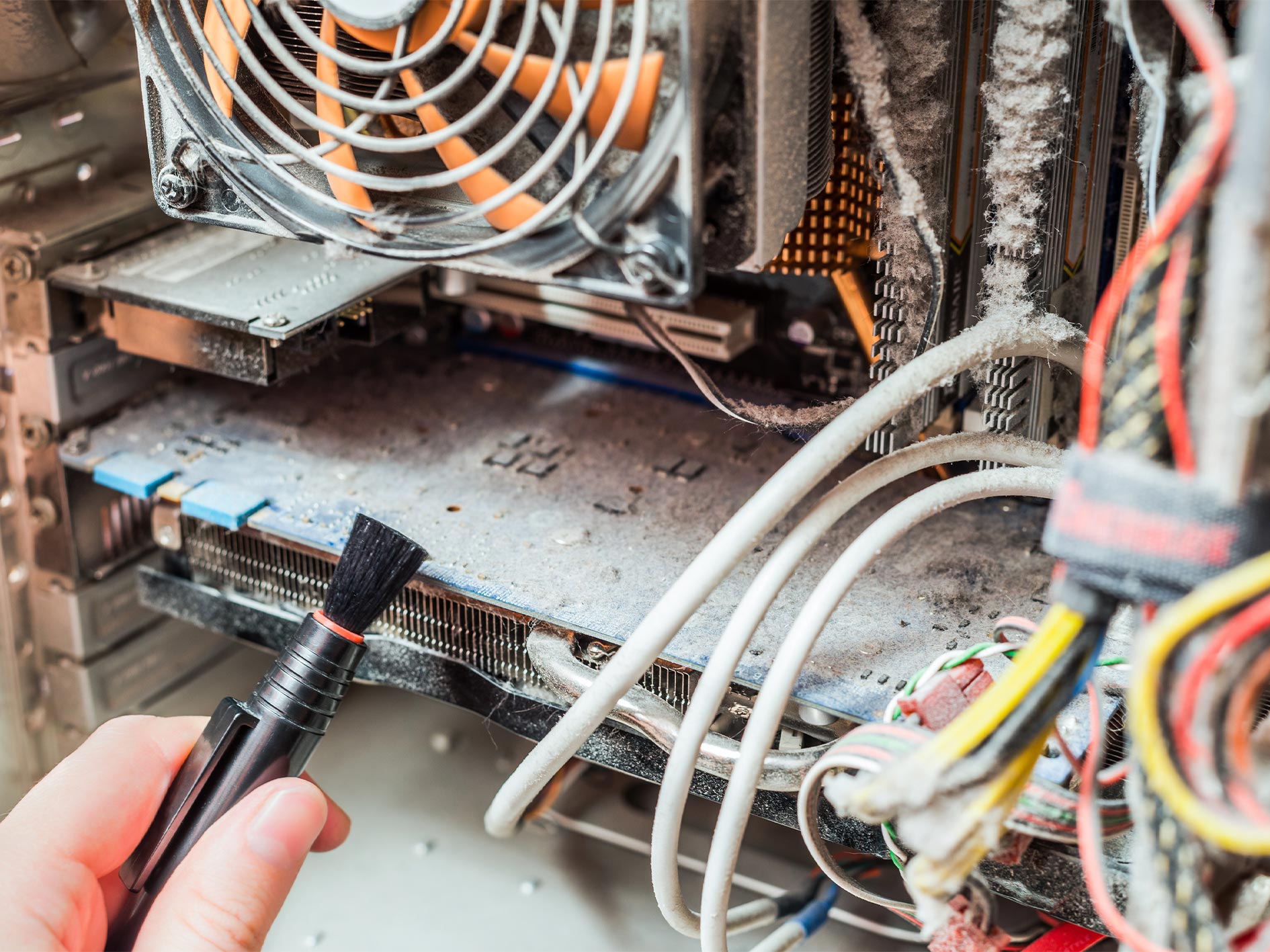
Ensuring that your desktop is clear of dust is not only good for hygiene but also great for your desktop’s health. The reason being is a large amount of dust can form and clump up, which can limit the airflow going into the desktop. Having good airflow is crucial as cold air going into the desktop helps it cool down. To add to this, large amounts of dust act as an insulator, so it not only limits airflow but also holds on to the heat absorbed. Excess amounts of dust can also become a hazard as dust is flammable and having that amount of dust around high temperature electrical components isn’t ideal.
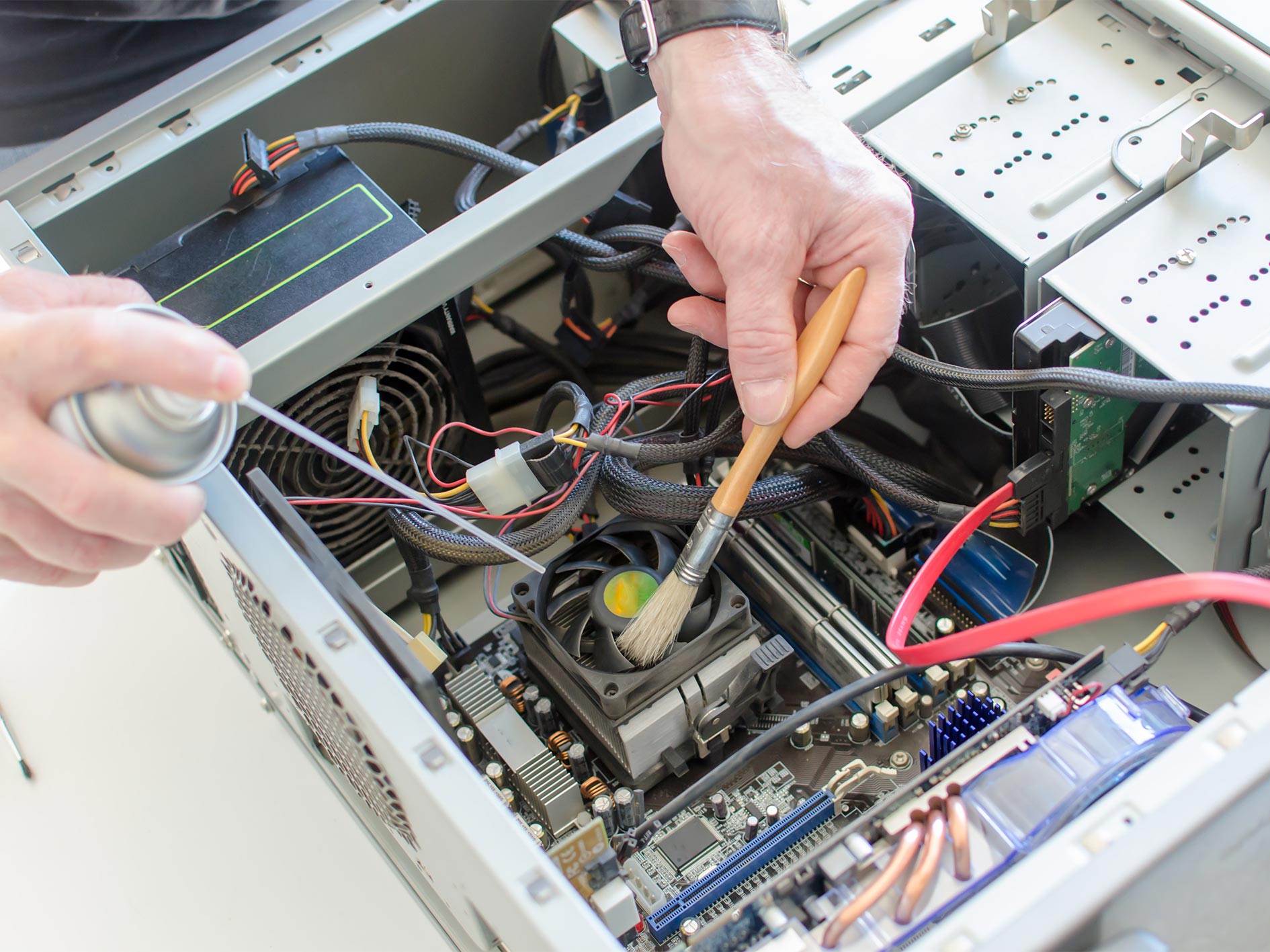
So, to get you started on clearing the dust, all you are going to need is a lint free cloth and some compressed air. Simply blow any dust away using the compressed air and wipe the remnants away using the cloth. Although it might be tempting DO NOT use a vacuum of any kind to suck the dust out of your desktop as they can create static electricity that can cause damage to your desktop so stick with the lint free cloth and compressed air.
Desktop positioning
Its key to ensure that your desktop is in the optimum place when making your own set up. One thing to make sure is that the desktop is never on carpet. The reason being is that lint and dust from the carpet can easily be sucked up into the computer over time which can quicken how long it takes for your PC to build up dust.
Now if you have laminate flooring that’s better but having your desktop on the floor in general isn’t great as dust collects most on the ground and it’s opening it up to more dust. So, the best and most affordable option is to put your desktop on your desk. That way its minimizing how much dust gets to it.
General component maintenance
One extra thing that might be worth checking is the overall state of your components, most importantly your fans. Over time things can move around especially if you have moved house or changed around your set up. The reason being is that sometimes things such as wires can fall into fans if the wire management isn’t so good.
Things like this can lead to fans not working as well as they used to so its good to check if they need replacing. Also worth checking your CPU cooler to see if it needs updating.
Adding new thermal paste
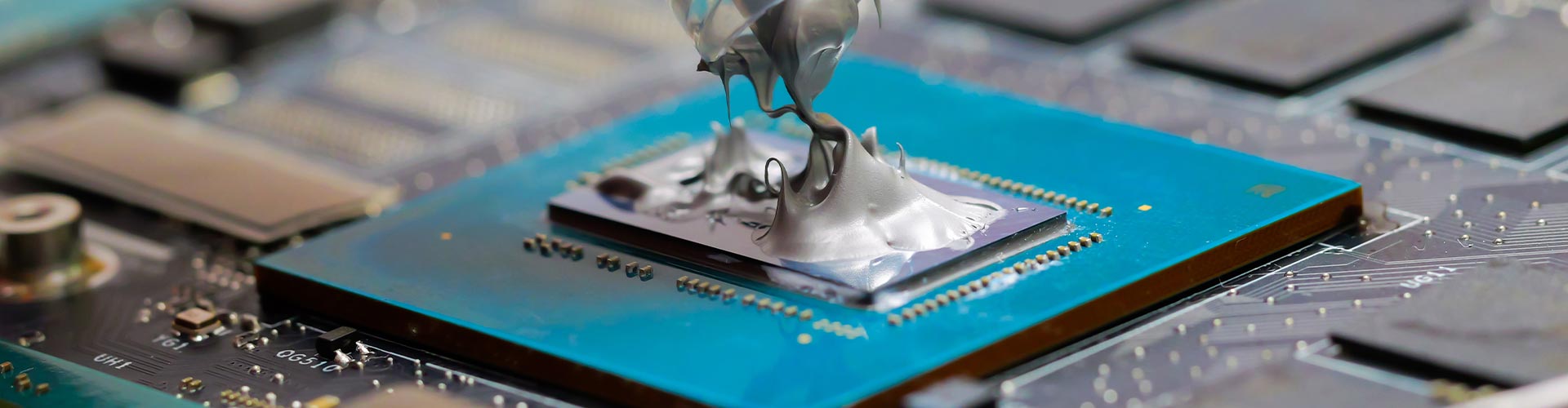
Thermal paste is important as it is used to help cool down your CPU to help regulate its performance ultimately helping the CPU cooler do its job. Now when you first got your desktop it probably had thermal paste applied to its CPU and it’s something that should only be replaced every few years but its something to consider if there are issues with the CPU temperature. So before trying this, ensure that you have tried all the tips mentioned above first.



