TLDR:
Laptop batteries (usually lithium-ion) naturally degrade over time, typically lasting 2–5 years or 300–1000 charge cycles. Battery health declines due to charge cycles, heat, and chemical aging, leading to shorter runtime and potential shutdown issues. You can extend battery life by keeping the laptop cool, avoiding frequent 0% discharges, limiting charging to around 80%, reducing screen brightness, and closing unused apps. Eventually, when performance drops significantly, replacing the battery can restore usability.
Laptop battery technology continues to improve, but they don’t last forever. Over time even the best laptop battery will gradually lose its ability to hold a charge.
Understanding how laptop battery lifespan works and what causes batteries to degrade can help you get the most out of your device before you eventually need a replacement laptop battery.
Below we explain why batteries wear out, how charge cycles affect battery health, and practical tips to extend the life of your lithium-ion laptop battery.
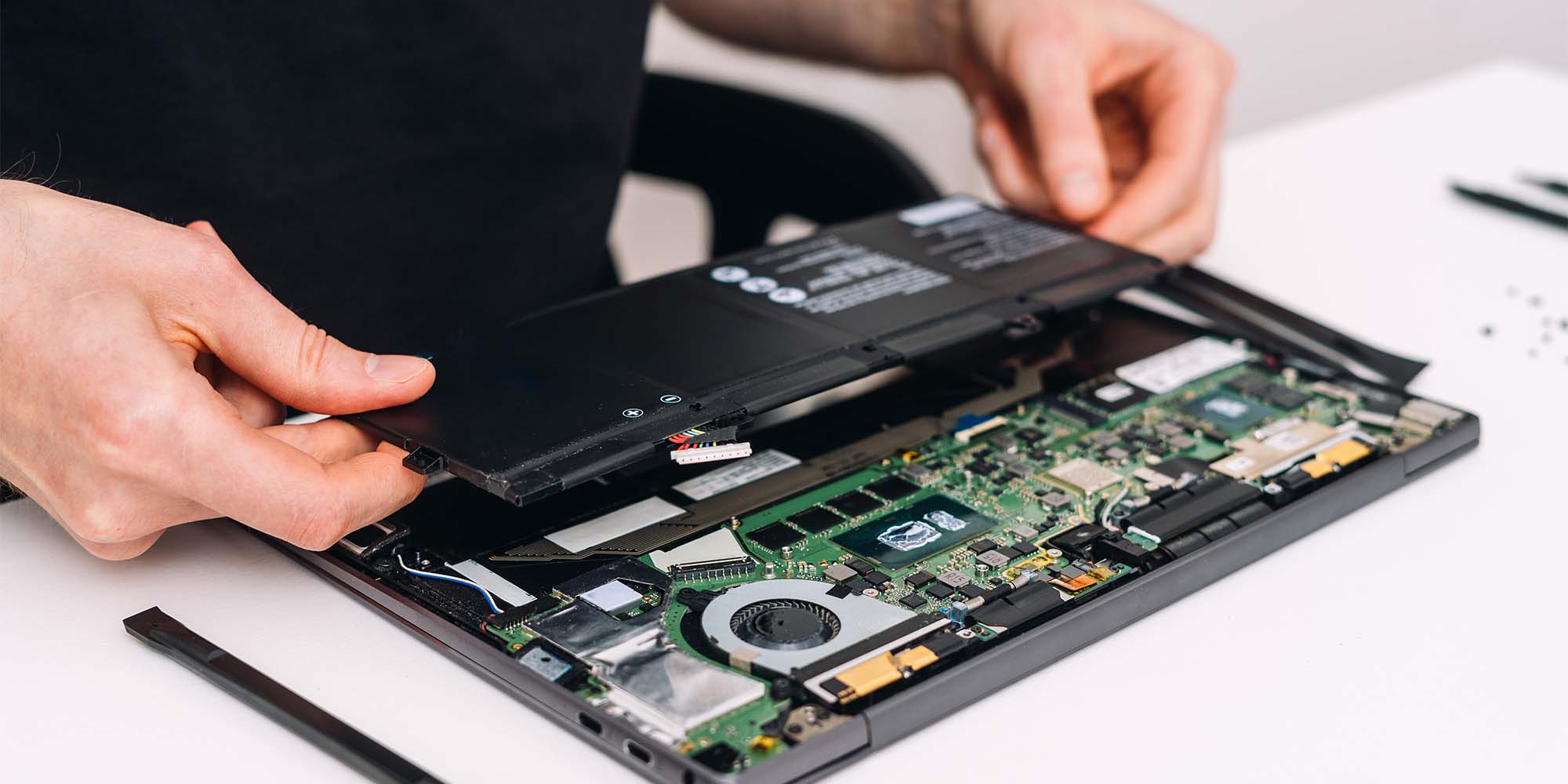
Understanding Laptop Battery Lifespan
Most modern laptops use lithium-ion or lithium-polymer batteries. These batteries are lightweight and efficient but do naturally degrade over time.
A typical laptop or notebook battery lifespan is between 2 and 5 years depending on usage habits and environmental conditions. Many batteries are rated for roughly between 300 and 1000 charge cycles, after which their capacity gradually decreases.
A battery that originally powered your laptop for 8 hours may only last 4–5 hours after several years of use. When performance drops significantly, it may be time to consider a laptop battery replacement.
What Are Charge Cycles?
One of the main factors affecting laptop battery health is the number of charge cycles the battery goes through.
A charge cycle occurs when the battery uses a total of 100% of its capacity, though not necessarily all at once. For example if you use half of your batteries full charge one day and then the same again the next day this would be one full charge cycle.
Each cycle causes a small amount of chemical wear inside the battery. Over hundreds of cycles, this wear reduces the battery’s maximum capacity. This is why older laptops often show signs like:
- Battery draining faster than usual
- Laptop shutting down earlier than expected
- Reduced battery percentage accuracy
When these symptoms become severe, replacing the battery with a compatible laptop battery replacement can restore performance.
Why Laptop Batteries Degrade Over Time
Several factors contribute to laptop battery degradation. These include natural chemical aging- even if you rarely use your laptop the chemicals inside the battery will slowly degrade over time, this is unavoidable with lithium ion batteries. Using the battery will also contribute, as mentioned earlier every charge cycle slightly reduces the battery’s capacity.
Exposure to heat can speed up the process. Heat is one of the biggest enemies of laptop batteries. High temperatures accelerate chemical wear and can permanently reduce battery capacity.
Common causes of heat damage include:
- Blocking laptop vents
- Using the laptop on soft surfaces like beds
- Running heavy software for long periods
- Leaving the laptop in hot environments (cars, direct sunlight)
Tips to Make Your Laptop Battery Last Longer
While all batteries eventually degrade, good habits can significantly extend laptop battery life.
Avoid Excessive Heat
Keeping your laptop cool helps protect the battery.
Tips include:
- Use your laptop on hard, flat surfaces
- Avoid blocking fans and vents
- Clean dust from vents on the laptop
- If possible use a cooling pad during heavy workloads
Lower temperatures slow down the chemical processes that cause battery wear.
Don’t Always Charge to 100%
Many modern laptops allow you to limit charging to around 80%, which can improve long-term battery lifespan. Some manufacturers include built-in battery health features that automatically manage charging.
If your laptop supports it, enabling this setting can help preserve the battery.
Avoid Frequent Deep Discharges
Letting your battery drop to 0% frequently puts additional stress on lithium-ion cells.
Instead, try to recharge your laptop when it reaches around 20 to 30% battery life remaining.
Store Batteries Properly
If you buy a replacement laptop battery as maybe a backup or space and are storing for a long period of time it is important to store it in the right conditions.
Best storage practices include keeping it around 40% to 60% charged, storing it in a cool dry place avoiding extreme temperatures.
Storing a battery fully charged or fully empty for months can reduce its long-term capacity.
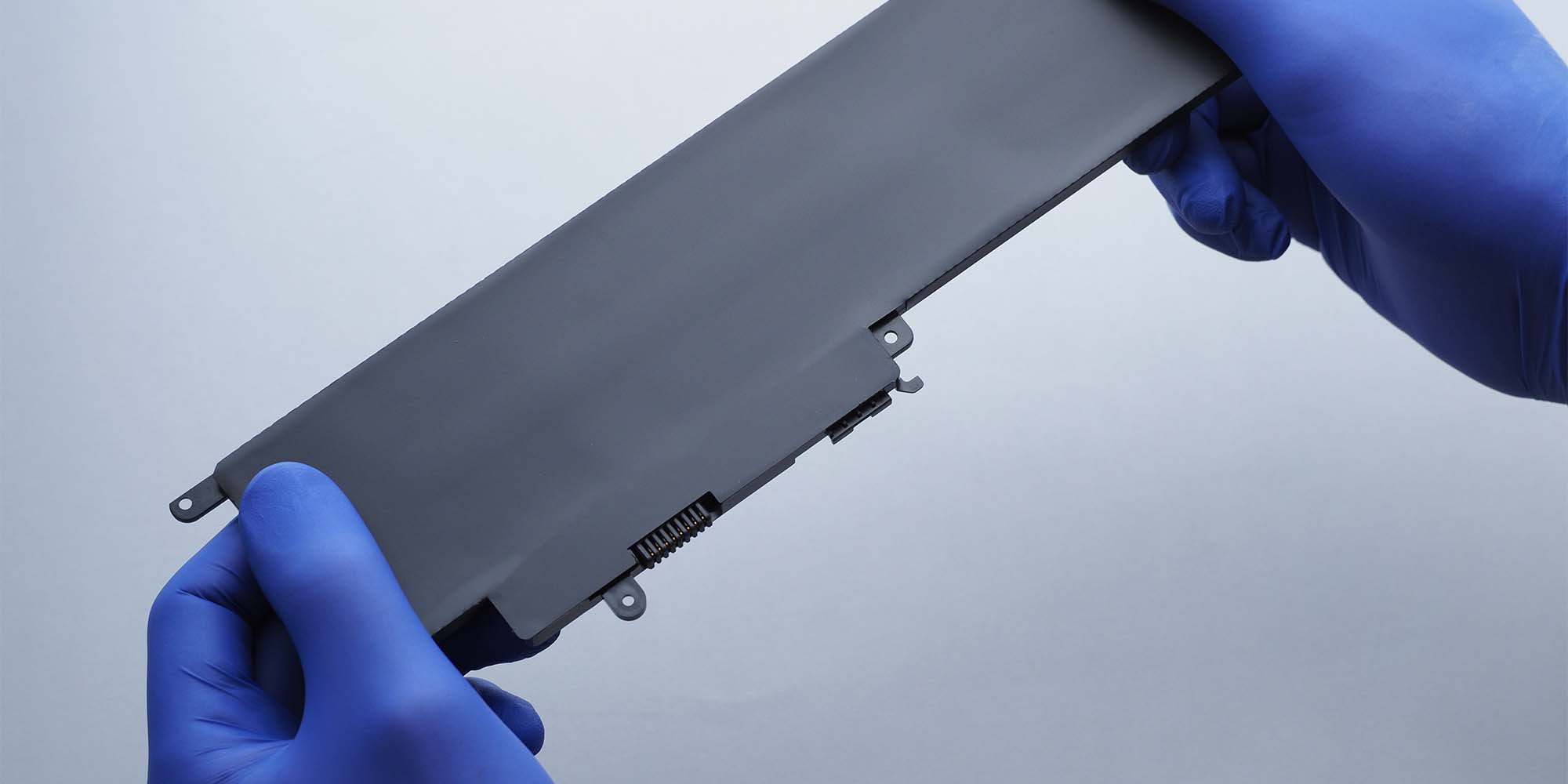
How to Make Your Battery Last Longer During Daily Use
In addition to preserving battery health over time, there are ways to make your laptop battery last longer during everyday use.
Enable Windows Power Saving Mode
Windows laptops have a power saving mode. This can be accessed by searching “power mode” in the Windows start menu. This allows you to choose from pre defined plans (or customise your own) in order to save power at the expense of some performance.
This helps extend battery runtime, especially when working away from a charger.
Reduce Screen Brightness
The display is one of the largest sources of power consumption.
Lowering your screen brightness can significantly increase battery life. Even a small reduction in brightness can add more quite a bit more usage time on some laptops.
Close Unnecessary Applications
Running many applications in the background increases CPU usage and drains the battery faster.
To improve laptop battery performance:
- Close unused programs
- Limit browser tabs
- Disable unnecessary startup apps
Turn Off Unused Features
You can extend battery life by turning off:
- Bluetooth when not needed
- Wi-Fi if working offline
- Keyboard backlighting in bright environments
Small adjustments like these can make a noticeable difference in how long your laptop runs on battery power.
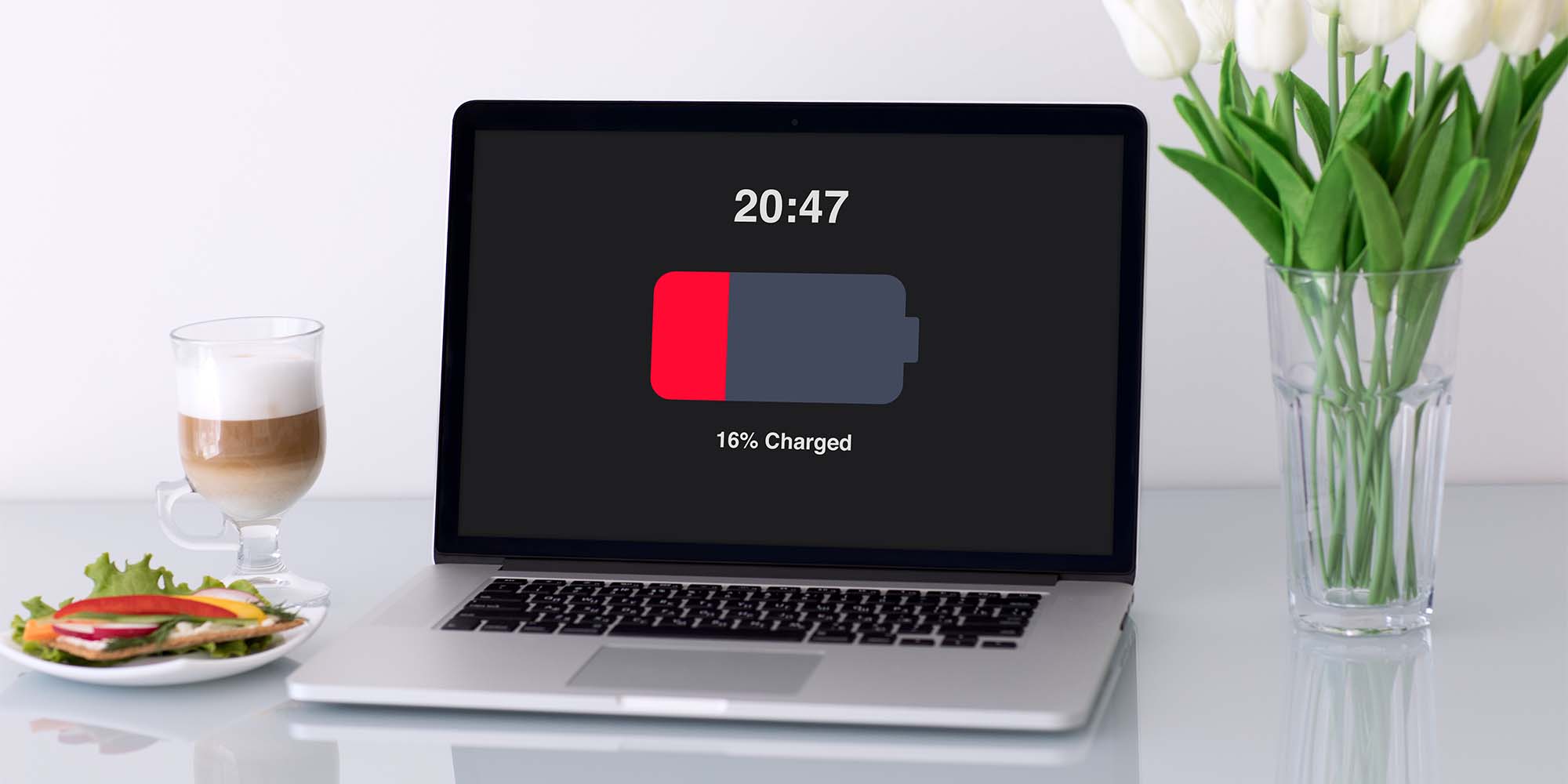
When to Replace Your Laptop Battery
Even with the best care, every battery eventually reaches the end of its useful life. Signs that you may need a replacement laptop battery include:
- Laptop battery draining very quickly
- The laptop only works when plugged in
- Unexpected shutdowns at moderate battery levels
- Battery swelling or overheating (in this case it is important to cease using the laptop)
Installing a compatible replacement battery for your laptop model can restore portability and extend the life of your device.
In conclusion
Laptop batteries naturally degrade over time due to charging and discharging, heat exposure, and chemical aging. However, by understanding how batteries work and adopting better storage and charging habits you can significantly extend your laptop battery’s lifespan.
Simple steps like avoiding excessive heat, managing charge levels, enabling Windows power saving mode, and reducing screen brightness can all help maximise laptop battery life. And when performance eventually declines, replacing the battery with a high-quality laptop battery replacement can give your laptop a new lease on life.
Featured Products
-
 Touchpad (without NFC) - HP Elitebook 745/840 (G6) (L62731-001)
£72.00 (inc VAT)
Touchpad (without NFC) - HP Elitebook 745/840 (G6) (L62731-001)
£72.00 (inc VAT)
-
 AM4 Win System Board - HP Elitedesk 705 G3 SFF (854582-601)
£144.00 (inc VAT)
AM4 Win System Board - HP Elitedesk 705 G3 SFF (854582-601)
£144.00 (inc VAT)
-
 Memory 8GB DDR4 2666 SODIMM 110-14AST - Lenovo Thinkpad (01AG812)
£72.00 (inc VAT)
Memory 8GB DDR4 2666 SODIMM 110-14AST - Lenovo Thinkpad (01AG812)
£72.00 (inc VAT)
-
 Clover (EU) 1M Power Cable (76H3518)
Price range: £4.80 through £5.40 (inc VAT)
Clover (EU) 1M Power Cable (76H3518)
Price range: £4.80 through £5.40 (inc VAT)
-
 14" WUXGA FHD 1920X1080 40 Pin Matte LED (Touch Screen On-Cell - IPS) Screen Panel (5D10V82372)
Price range: £96.00 through £138.00 (inc VAT)
14" WUXGA FHD 1920X1080 40 Pin Matte LED (Touch Screen On-Cell - IPS) Screen Panel (5D10V82372)
Price range: £96.00 through £138.00 (inc VAT)